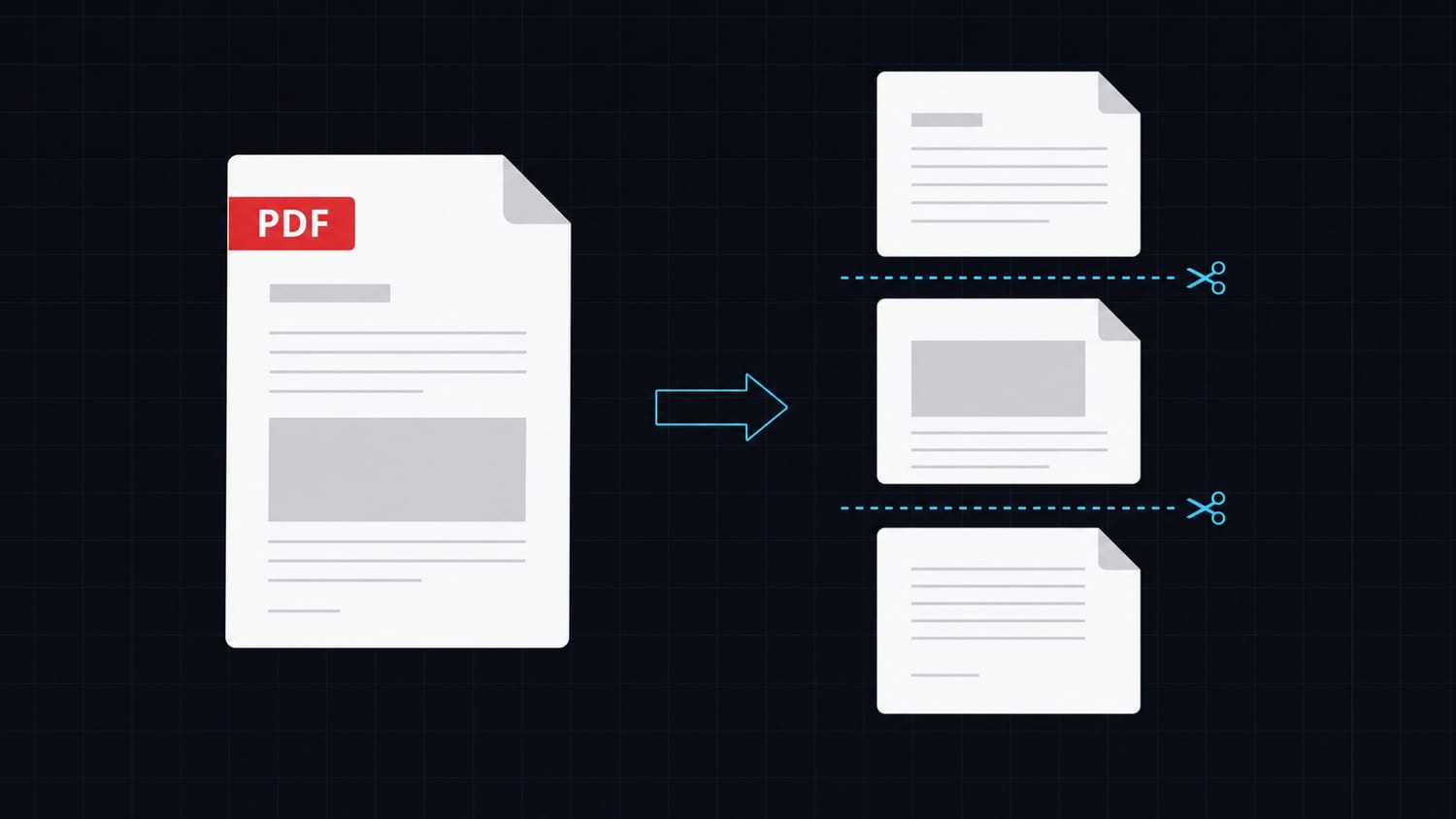

Generating PDFs in PHP has a long, frustrating history. DomPDF, TCPDF, wkhtmltopdf — each one solves part of the problem and creates a new one. If you have spent time debugging why a flexbox layout renders differently in DomPDF than in Chrome, or why TCPDF requires you to specify coordinates in millimeters, you know the pain.
This article covers how to generate production-quality PDFs in PHP, with examples for Laravel, Symfony, and plain PHP. The approach uses a simple HTTP API call instead of a local rendering engine.
The Problem with DomPDF, TCPDF, and wkhtmltopdf
DomPDF
DomPDF is the go-to for Laravel projects. It works for basic documents, but its CSS support is stuck somewhere around 2010. Flexbox? Partial. Grid? Not supported. Custom fonts require registration via Font::load. Tables with dynamic content can overflow unpredictably. The moment your design gets slightly complex, you start fighting the renderer.
TCPDF
TCPDF is powerful but requires a completely different mental model. You define document content by calling methods like $pdf->Cell(40, 10, 'Label') with explicit x/y coordinates and dimensions. Maintaining a TCPDF template over time is painful because layout changes require recalculating coordinates manually. There is no separation of concerns between design and logic.
wkhtmltopdf
wkhtmltopdf gives you real browser rendering (WebKit), which solves layout issues. But it requires a native binary installed on your server. On shared hosting, this is often impossible. In Docker containers, you need to install Chromium dependencies and manage the binary path. It is also no longer actively maintained.
Why These Approaches Hurt at Scale
All three libraries share a fundamental problem: they run PDF rendering inside your application process.
- Fonts and assets must be loaded and cached in your server's memory
- Long rendering jobs block your web workers
- You carry the complexity of keeping the renderer working across deployments, environments, and hosting providers
- Any layout engine update can silently break your templates
When you need consistent, production-ready PDFs across environments, local rendering becomes a liability.
A Better Approach: Generate PDFs via API
A cleaner alternative is to offload PDF generation to a dedicated service. You define your template once using HTML and Tailwind CSS, then call an API endpoint whenever you need a document. The API handles rendering, and you get back a URL to the generated PDF.
This is exactly what Transactional.dev does. You create reusable document templates with variables, conditions, and loops, then generate PDFs on demand with a single HTTP call. No binary dependencies, no layout engine to maintain, no fonts to register.
The API is straightforward:
POST https://api.transactional.dev/v1/generate
x-api-token: YOUR_TOKEN

{
  "documentId": "your-document-uuid",
  "variables": {
    "customer": "Acme Corp",
    "amount": "1,200.00"
  }
}
Response:
{
  "url": "https://...",
  "documentId": "..."
}
You get back a URL pointing to the generated PDF. Store it, redirect to it, or stream it to your user.
Laravel Example
Install Guzzle if you do not already have it:
composer require guzzlehttp/guzzle
Create a service class:
<?php

namespace App\Services;

use GuzzleHttp\Client;

class PdfGeneratorService
{
    private Client $client;
    private string $apiToken;

    public function __construct()
    {
        $this->client = new Client([
            'base_uri' => 'https://api.transactional.dev',
        ]);
        $this->apiToken = config('services.transactional.token');
    }

    public function generate(string $documentId, array $variables): string
    {
        $response = $this->client->post('/v1/generate', [
            'headers' => [
                'x-api-token' => $this->apiToken,
                'Content-Type' => 'application/json',
            ],
            'json' => [
                'documentId' => $documentId,
                'variables' => $variables,
            ],
        ]);

        $data = json_decode($response->getBody()->getContents(), true);

        return $data['url'];
    }
}
Add your token to config/services.php:
'transactional' => [
    'token' => env('TRANSACTIONAL_TOKEN'),
],
Use it in a controller:
<?php

namespace App\Http\Controllers;

use App\Services\PdfGeneratorService;
use Illuminate\Http\Request;

class InvoiceController extends Controller
{
    public function download(Request $request, PdfGeneratorService $generator)
    {
        $pdfUrl = $generator->generate('your-document-uuid', [
            'invoiceNumber' => 'INV-00042',
            'customer' => $request->user()->name,
            'amount' => '1,200.00',
            'dueDate' => '2026-07-01',
        ]);

        return redirect($pdfUrl);
    }
}
Register the service in AppServiceProvider or rely on Laravel's automatic binding.
Symfony Example
Install the HTTP client if needed:
composer require symfony/http-client
Create a service:
<?php

namespace App\Service;

use Symfony\Contracts\HttpClient\HttpClientInterface;

class PdfGeneratorService
{
    public function __construct(
        private HttpClientInterface $httpClient,
        private string $apiToken,
    ) {}

    public function generate(string $documentId, array $variables): string
    {
        $response = $this->httpClient->request('POST', 'https://api.transactional.dev/v1/generate', [
            'headers' => [
                'x-api-token' => $this->apiToken,
                'Content-Type' => 'application/json',
            ],
            'json' => [
                'documentId' => $documentId,
                'variables' => $variables,
            ],
        ]);

        $data = $response->toArray();

        return $data['url'];
    }
}
Wire it in services.yaml:
App\Service\PdfGeneratorService:
    arguments:
        $apiToken: '%env(TRANSACTIONAL_TOKEN)%'
Use it in a controller:
<?php

namespace App\Controller;

use App\Service\PdfGeneratorService;
use Symfony\Bundle\FrameworkBundle\Controller\AbstractController;
use Symfony\Component\HttpFoundation\RedirectResponse;
use Symfony\Component\Routing\Annotation\Route;

class InvoiceController extends AbstractController
{
    #[Route('/invoice/{id}/download', name: 'invoice_download')]
    public function download(int $id, PdfGeneratorService $generator): RedirectResponse
    {
        $pdfUrl = $generator->generate('your-document-uuid', [
            'invoiceId' => $id,
            'customer' => $this->getUser()->getDisplayName(),
        ]);

        return $this->redirect($pdfUrl);
    }
}
Plain PHP Example
No framework? Use curl directly:
<?php

function generatePdf(string $documentId, array $variables): string
{
    $payload = json_encode([
        'documentId' => $documentId,
        'variables' => $variables,
    ]);

    $ch = curl_init('https://api.transactional.dev/v1/generate');
    curl_setopt_array($ch, [
        CURLOPT_RETURNTRANSFER => true,
        CURLOPT_POST => true,
        CURLOPT_POSTFIELDS => $payload,
        CURLOPT_HTTPHEADER => [
            'x-api-token: ' . $_ENV['TRANSACTIONAL_TOKEN'],
            'Content-Type: application/json',
        ],
    ]);

    $body = curl_exec($ch);
    $httpCode = curl_getinfo($ch, CURLINFO_HTTP_CODE);
    curl_close($ch);

    if ($httpCode !== 200) {
        throw new RuntimeException('PDF generation failed with HTTP ' . $httpCode);
    }

    $data = json_decode($body, true);
    return $data['url'];
}

// Usage
$url = generatePdf('your-document-uuid', [
    'name' => 'Jane Doe',
    'total' => '340.00',
]);

header('Location: ' . $url);
exit;
Practical Tips
Store the URL, do not re-generate. Generated PDF URLs are stable. If you are issuing an invoice, store the URL in your database the first time and reuse it on subsequent requests. Only regenerate when the data actually changes.
Pass all dynamic data as variables. Keep your template logic minimal. Dates, names, amounts, line items — pass everything as variables so your template remains reusable across customers and contexts.
Handle errors explicitly. The API returns non-200 status codes when something goes wrong. Wrap calls in try/catch and log errors. Do not let a failed PDF generation silently return an empty response to the user.
Use queued jobs for bulk generation. If you need to generate dozens of PDFs at once (end of month invoices, batch reports), push each one to a queue job. This keeps your HTTP response time short and gives you retry logic for free.
Common Mistakes
Using Authorization: Bearer instead of x-api-token. The Transactional.dev API uses a custom header. Double-check your request headers if you get 401 errors.
Not checking the response structure. Always read $data['url'], not $data['pdfUrl'] or similar. The exact key is url.
Regenerating on every page load. Generating a PDF on every request burns API credits and adds latency. Cache or store the result.
Ignoring timeout. PDF generation takes a moment. Set a reasonable HTTP timeout (5-10 seconds) and handle the case where it is exceeded.
Conclusion
DomPDF and TCPDF are fine for trivial documents, but they accumulate complexity fast. The more your documents need to look professional, the more time you spend fighting the renderer.
Offloading PDF generation to a dedicated API removes the rendering burden from your application entirely. Your templates live outside your codebase, you use real HTML and Tailwind for layout, and every environment gets the same output.
If you want to try it, Transactional.dev lets you create templates and generate PDFs with the API calls shown above. The free tier is enough to test your first document end to end.