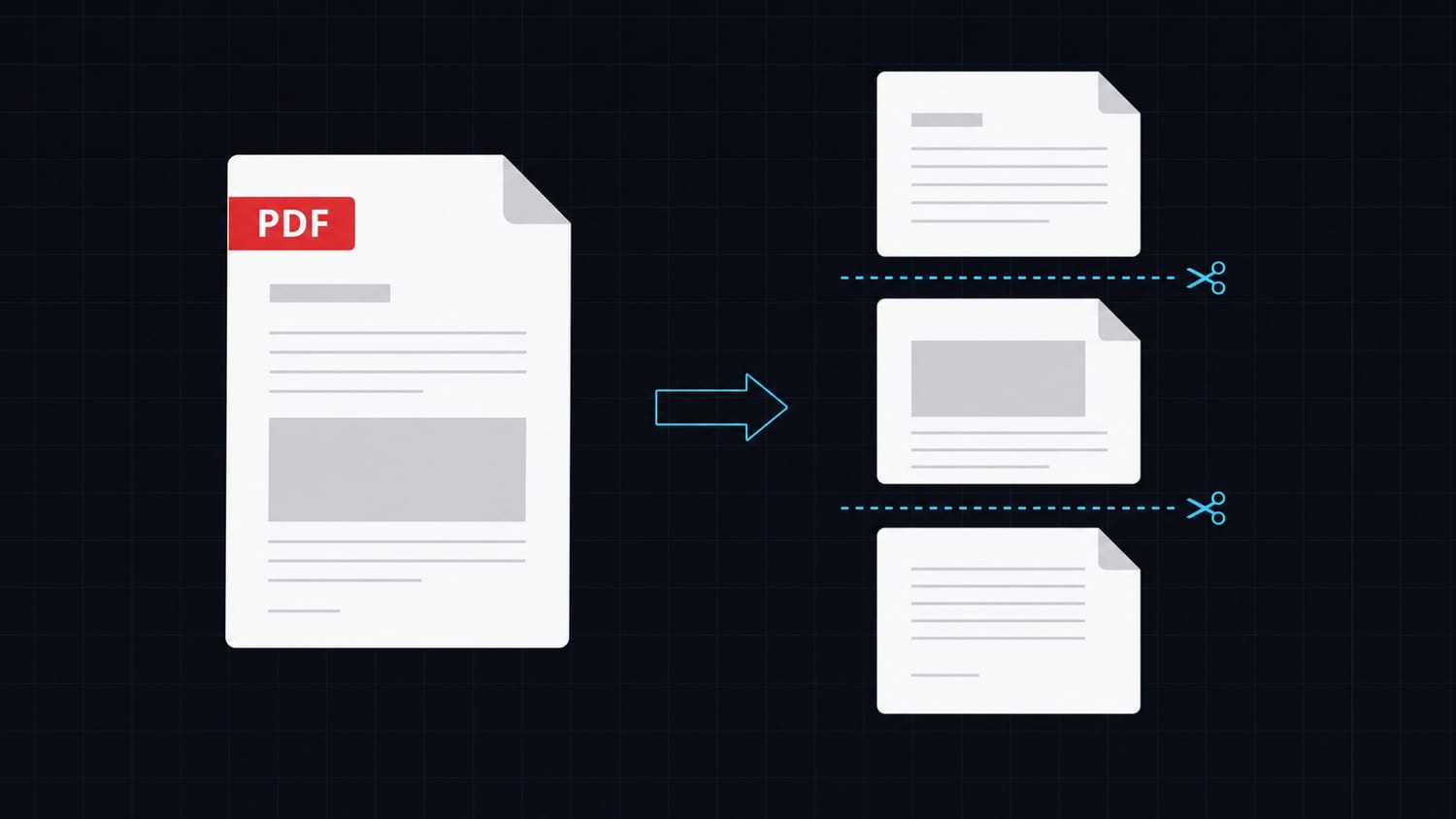

PDF generation is one of those features that sounds simple until you actually implement it. You need invoices, reports, or export documents. You reach for a gem, follow the README, and then spend the next two hours debugging a missing binary, a broken layout, or a font that renders fine in dev and breaks on the server.
This article walks through the most common approaches Rails developers use to generate PDFs, why they tend to cause friction over time, and a cleaner alternative that reduces infrastructure complexity.
The Standard Options: Wicked PDF and Prawn
Most Rails apps reach for one of two tools.
Wicked PDF wraps wkhtmltopdf, a headless browser binary that renders HTML to PDF. It works well at first. You write ERB templates the same way you write views, and the output looks like what you see in a browser. The problems come later.
wkhtmltopdf is a system binary. You need it installed on every environment: development, CI, staging, production. Different versions can produce different output. The project itself has been in maintenance mode for years and has known rendering bugs with modern CSS. On Alpine Linux containers, you often need extra font packages just to avoid blank pages. Heroku used to have a buildpack for it; using it on modern container platforms often means building your own base image.
Prawn takes the opposite approach. It is a pure-Ruby PDF library that builds documents programmatically. No binary dependency, no rendering pipeline. You describe the layout in Ruby using a DSL: bounding_box, text, move_down, stroke_horizontal_rule. It is fast and self-contained.
The cost is the learning curve. Prawn does not understand HTML or CSS. Every millimeter of layout is specified in code. Updating a PDF template means updating Ruby code, not a view template. Developers who are not familiar with the DSL find it hard to read and modify. Any designer input requires translation to Prawn primitives.
Both tools work. Both have served Rails apps well for years. But both carry ongoing maintenance costs that are not obvious at the start.
A Different Approach: HTTP API
The alternative is to treat PDF generation as an external service, the same way you treat email delivery or background jobs. You define a template once, then call an API endpoint with the data you want rendered. The API returns a URL to the generated PDF.
This removes the binary dependency entirely. It decouples the template from the application code. It moves the rendering infrastructure off your server.
Transactional.dev provides exactly this: a template-based PDF API. You build your template in their editor using HTML and Tailwind, define the variables your template expects, and then generate PDFs by posting to a single endpoint with a documentId and a variables object. No layout DSL to learn, no binary to install, no rendering engine to maintain.
The API call is straightforward:
POST https://api.transactional.dev/v1/generate
x-api-token: YOUR_TOKEN

{
  "documentId": "your-document-uuid",
  "variables": { ... }
}
Response:
{
  "url": "https://files.transactional.dev/client/42/generated/.../invoice.pdf",
  "documentId": "your-document-uuid"
}
The URL is signed and short-lived. Download it immediately or store it in your database.
Rails Controller Example
Here is a simple controller action that generates a PDF on request and sends it to the browser as a download.
# app/controllers/invoices_controller.rb
require "net/http"
require "json"

class InvoicesController < ApplicationController
  def download
    invoice = Invoice.find(params[:id])

    uri = URI("https://api.transactional.dev/v1/generate")
    http = Net::HTTP.new(uri.host, uri.port)
    http.use_ssl = true

    request = Net::HTTP::Post.new(uri.path)
    request["Content-Type"] = "application/json"
    request["x-api-token"] = ENV["TRANSACTIONAL_API_TOKEN"]
    request.body = JSON.generate({
      documentId: ENV["TRANSACTIONAL_INVOICE_DOCUMENT_ID"],
      variables: {
        invoice_number: invoice.number,
        customer_name: invoice.customer.name,
        customer_email: invoice.customer.email,
        total: invoice.total,
        line_items: invoice.line_items.map { |item|
          { description: item.description, quantity: item.quantity, unit_price: item.unit_price }
        }
      }
    })

    response = http.request(request)
    result = JSON.parse(response.body)

    pdf_url = result["url"]
    pdf_data = URI.open(pdf_url).read

    send_data pdf_data, filename: "invoice-#{invoice.number}.pdf", type: "application/pdf", disposition: "attachment"
  end
end
If you are using Faraday, the same call becomes:
conn = Faraday.new(url: "https://api.transactional.dev") do |f|
  f.request :json
  f.response :json
end

response = conn.post("/v1/generate") do |req|
  req.headers["x-api-token"] = ENV["TRANSACTIONAL_API_TOKEN"]
  req.body = {
    documentId: ENV["TRANSACTIONAL_INVOICE_DOCUMENT_ID"],
    variables: { ... }
  }
end

pdf_url = response.body["url"]
Background Job with ActiveJob
For documents that take a few seconds to generate, or when you want to decouple PDF generation from the HTTP request cycle, use a background job.
# app/jobs/generate_invoice_pdf_job.rb
require "net/http"
require "json"
require "open-uri"

class GenerateInvoicePdfJob < ApplicationJob
  queue_as :default

  def perform(invoice_id)
    invoice = Invoice.find(invoice_id)

    uri = URI("https://api.transactional.dev/v1/generate")
    http = Net::HTTP.new(uri.host, uri.port)
    http.use_ssl = true

    request = Net::HTTP::Post.new(uri.path)
    request["Content-Type"] = "application/json"
    request["x-api-token"] = ENV["TRANSACTIONAL_API_TOKEN"]
    request.body = JSON.generate({
      documentId: ENV["TRANSACTIONAL_INVOICE_DOCUMENT_ID"],
      variables: {
        invoice_number: invoice.number,
        customer_name: invoice.customer.name,
        total: invoice.total,
        line_items: invoice.line_items.map { |item|
          { description: item.description, quantity: item.quantity, unit_price: item.unit_price }
        }
      }
    })

    response = http.request(request)
    result = JSON.parse(response.body)

    pdf_url = result["url"]

    # Download and attach via ActiveStorage
    invoice.pdf_document.attach(
      io: URI.open(pdf_url),
      filename: "invoice-#{invoice.number}.pdf",
      content_type: "application/pdf"
    )

    invoice.update!(pdf_generated_at: Time.current)
  end
end
Enqueue it after creating an invoice:
invoice = Invoice.create!(invoice_params)
GenerateInvoicePdfJob.perform_later(invoice.id)
Inline Download vs Storing the URL
Two common patterns:
Inline download: Generate on demand, stream the PDF bytes directly to the browser. Good for low-volume use cases where you do not want to store files. Simple to implement.
Store and serve: Generate in a background job, store the resulting URL (or the file via ActiveStorage) on the record. Serve from there on subsequent requests. Better for high-volume apps, or when you want to email the PDF after creation.
For most production apps, storing the file is the better default. You avoid re-generating the same document on every request, and you have a permanent record.
Tips
- Store your
documentIdin an environment variable, not hardcoded. If you have multiple document types (invoices, contracts, reports), use a config hash or a constants file. - Set a reasonable HTTP timeout. PDF generation is usually fast but can take 2-5 seconds for complex layouts. Default Net::HTTP timeouts are very long; set
http.read_timeout = 15. - Log the API response status. A
402means you have hit your quota; a503is a transient storage error that is safe to retry. - Download the PDF URL immediately. The signed URL from the API is short-lived. Do not store the URL expecting to download it later.
Common Mistakes
Using Authorization: Bearer instead of x-api-token. The Transactional.dev API uses a custom header x-api-token. Using the Bearer pattern will return a 401.
Using a wrong field name in the request body. The field is documentId (a UUID string), not templateId or document_id. Check the UUID in the template editor.
Rendering the PDF inside a synchronous web request at scale. One slow PDF generation can hold a Puma thread for several seconds. At any meaningful traffic level, move generation to a background job.
Not handling API errors. Always check the HTTP status code before calling .fetch("url") on the response body. A non-200 response body will not contain a URL, and result.fetch("url") will raise a KeyError.
Conclusion
Wicked PDF and Prawn are solid tools with long track records. If they are already working for you, there is no urgent reason to replace them.
But if you are setting up PDF generation in a new Rails app, or you are tired of maintaining a wkhtmltopdf binary across environments, an HTTP API approach is worth considering. You get clean separation between your application logic and the rendering infrastructure. You write templates in HTML and Tailwind, not in a custom Ruby DSL. And you deploy a single HTTP call instead of a system dependency.
If you want to try it, Transactional.dev has a free tier. You can create a template, grab your document ID, and generate your first PDF in a few minutes with nothing more than Net::HTTP.