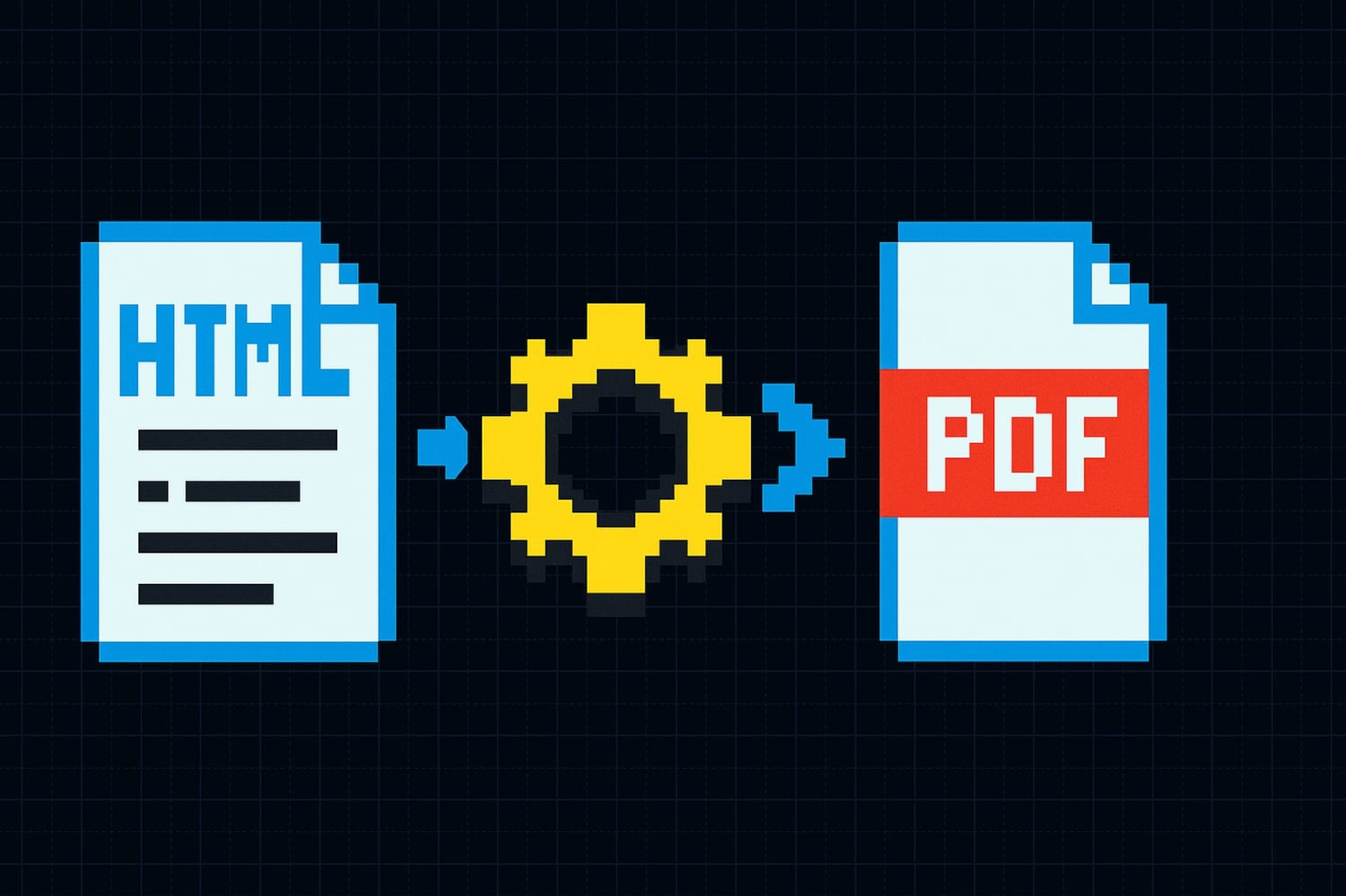

Generating PDFs from HTML works great in development. You spin up Puppeteer or wkhtmltopdf, pass in some HTML, and get a PDF back. Ship it.
Then traffic grows. You go from 50 PDFs a day to 5,000, then 50,000. And things start breaking in ways you did not plan for. Memory spikes, timeouts, inconsistent layouts, queued jobs that never finish. The rendering step that "just works" becomes the bottleneck of your entire pipeline.
This article breaks down the specific problems that surface when you scale HTML-to-PDF generation, and what you can do about each one.
What Works at Low Volume (and Why It's Deceptive)
At low volume, self-hosted PDF rendering feels trivial. You install a headless browser, call page.pdf(), and the PDF comes back in a couple of seconds. The process uses maybe 200MB of RAM per instance. No one notices.
This creates a false sense of confidence. You architect your system around synchronous PDF generation inside your request handler. You allocate a single server with 2GB of RAM. You skip the queue because "it's fast enough." You don't add retries because it never fails.
The problem is that headless browser rendering has characteristics that are invisible at low volume but become dominant at scale:
- Each render spawns a full browser process with its own memory space
- CSS and font loading add unpredictable latency
- Complex layouts trigger reflows that scale non-linearly with document size
- Browser processes don't share resources efficiently
At 10 requests per minute, none of this matters. At 100 per minute, all of it does.
What Breaks at Scale, Problem by Problem
Memory Consumption
A single Chromium instance uses 150-300MB of RAM depending on the document. When you run 20 concurrent renders, that's 3-6GB just for the browser processes. Add your application server, database connections, and OS overhead, and you're looking at OOM kills on an 8GB machine.
The worst part: memory isn't released cleanly. Chromium processes can leak memory over time, especially when reusing browser contexts. You'll see RSS climb steadily until the OS kills the process, taking all in-flight renders with it.
# What your monitoring looks like at 3am
node[12847]: Fatal process OOM in insufficient memory to create an Isolate
SIGKILL: container exceeded 8Gi memory limit
You can mitigate this by spawning fresh browser instances per render and killing them after, but that trades memory pressure for cold start latency.
Concurrency Limits
Headless browsers are not designed for high concurrency. Each render holds a browser tab open, and tabs are expensive. Run too many in parallel and you hit CPU saturation, where the event loop stalls, renders take 10x longer, and timeouts cascade.
Most teams discover this when they try to handle a burst of requests. A batch job triggers 200 invoice generations at once. The server tries to render all of them, CPU hits 100%, and every single one times out.
The fix is a concurrency limiter, but picking the right limit is tricky. Too low and you waste capacity. Too high and you're back to thrashing. And the right number changes based on document complexity, available CPU, and what else is running on the machine.
Cold Starts
If you're running in a serverless or containerized environment, cold starts add another layer of pain. A fresh Chromium instance takes 2-5 seconds to start. If you're spinning up new containers per request, that startup time dominates your render latency.
Even in long-running servers, browser crashes require restart. If your process dies under memory pressure, the next request has to wait for a full browser launch before rendering can begin.
// This "optimization" just moved the cold start
const browser = await puppeteer.launch(); // 2-4 seconds
const page = await browser.newPage();
await page.setContent(html);
const pdf = await page.pdf({ format: 'A4' }); // actual render: 500ms
In the example above, the browser launch takes 4x longer than the actual render. At scale, you're paying this cost repeatedly as instances recycle.
Layout Inconsistencies
HTML rendering is not deterministic across environments. A PDF that looks perfect when generated on your MacBook can have different line breaks, font metrics, or spacing when rendered on a Linux server with different font configurations.
Common symptoms:
- Text wrapping differently, breaking table layouts
- Missing or substituted fonts falling back to generic families
- SVG elements rendering at wrong sizes
- Print media queries behaving differently across Chromium versions
This gets worse when you update your rendering stack. A Chromium version bump can change how a CSS property is interpreted, silently breaking layouts for documents you haven't touched in months.
Font Loading
Fonts are one of the most common sources of rendering failures at scale. When you load Google Fonts or custom fonts via CSS, each render needs to fetch those fonts. At low volume, the fonts are cached and available. At high concurrency, you can hit rate limits, DNS resolution delays, or simply saturate your network connection.
The failure mode is subtle: the PDF renders successfully, but with fallback fonts. You don't get an error. You get a document that looks wrong, and you might not notice until a customer complains.
/* This works locally because fonts are cached */
@import url('https://fonts.googleapis.com/css2?family=Inter:wght@400;600&display=swap');

/* At 200 concurrent renders, some of these fetches will timeout */
Self-hosting fonts helps, but then you're maintaining a font pipeline: downloading, updating, configuring font paths across environments, handling font subsetting for file size.
Timeouts
All of the above problems converge on one visible symptom: timeouts. The render takes too long, the HTTP request times out, the client retries, and now you have even more load.
Timeouts are particularly nasty because they waste resources. The browser process keeps rendering after the client has given up. You're burning CPU and memory on a PDF that no one will receive. Without proper cleanup, these zombie renders accumulate until the system collapses.
A typical failure cascade:
- Burst of requests arrives
- Concurrency limit exceeded, requests start queuing
- Queued requests timeout at the HTTP layer
- Client retries, adding more requests to the queue
- Memory pressure increases, renders slow down further
- OOM kill takes out the rendering process
- All in-flight renders fail simultaneously
How to Build a Generation Pipeline That Holds Up
If you're committed to self-hosting, there are architectural patterns that make PDF generation more resilient at scale.
Use a Job Queue
Never generate PDFs synchronously inside your API request handler. Instead, push render jobs onto a queue (Redis, RabbitMQ, SQS) and return a job ID to the client. Workers pull jobs from the queue and process them at a controlled rate.
Client → API → Queue → Worker Pool → Storage
                          ↓
                    Concurrency: 4
                    Memory limit: 2GB per worker
                    Timeout: 30s per render
This decouples request ingestion from rendering, so a burst of requests doesn't crash your renderer.
Implement Retries with Backoff
Renders will fail. Browsers will crash. Fonts will timeout. Build retry logic into your worker:
async function renderWithRetry(job, maxRetries = 3) {
  for (let attempt = 1; attempt <= maxRetries; attempt++) {
    try {
      return await renderPdf(job);
    } catch (err) {
      if (attempt === maxRetries) throw err;
      await sleep(1000 * Math.pow(2, attempt)); // exponential backoff
    }
  }
}
Isolate Rendering Processes
Run your PDF rendering in separate containers or processes with strict memory and CPU limits. If a render goes rogue, it gets killed without affecting other renders or your main application.
Kubernetes resource limits, Docker memory caps, or even separate VM instances for the render farm all work. The key is blast radius containment.
Monitor What Matters
Track per-render metrics: memory usage, render duration, font load time, queue depth, failure rate. Set alerts on queue depth growth and memory trends, not just error rates. By the time errors spike, the system is already degraded.
When a Managed API Makes More Sense
Building and maintaining a PDF rendering pipeline is a real engineering project. You need the queue, the workers, the monitoring, the font infrastructure, the Chromium lifecycle management, the retry logic, the cleanup for zombie processes. It works, but it's a lot of surface area to maintain for something that isn't your core product.
A managed PDF API handles all of this for you. You send a request with your data, and you get a PDF back. The rendering infrastructure, concurrency management, font loading, and scaling are someone else's problem.
This makes sense when:
- PDF generation is a feature of your product, not the product itself
- You don't want to maintain Chromium infrastructure
- You need consistent rendering across environments
- Your volume is spiky and hard to capacity-plan for
Transactional.dev takes this approach with a template-based system. You design your PDF templates using HTML and Tailwind CSS with Handlebars variables for dynamic content, and generate PDFs through a single API call:
curl -X POST https://api.transactional.dev/v1/generate \
  -H "x-api-token: YOUR_API_TOKEN" \
  -H "Content-Type: application/json" \
  -d '{
    "documentId": "your-template-uuid",
    "variables": {
      "invoiceNumber": "INV-2024-0847",
      "items": [
        {"description": "Pro plan", "amount": "$49.00"},
        {"description": "Extra seats (3)", "amount": "$27.00"}
      ],
      "total": "$76.00"
    }
  }'
No browser to manage. No font pipeline to maintain. No concurrency tuning. Google Fonts are hosted on the CDN. The rendering is handled server-side without Chromium, so you don't inherit its memory and scaling characteristics.
Conclusion
HTML-to-PDF rendering at low volume is deceptively simple. The real engineering starts when you need it to work reliably at scale: managing memory, handling concurrency, dealing with font loading, preventing timeout cascades, and keeping layouts consistent.
You can build this infrastructure yourself. Plenty of teams do. But if PDF generation is a means to an end rather than your core product, the maintenance cost adds up quickly.
If you want to avoid maintaining your own PDF rendering stack, Transactional.dev gives you a template-based PDF API that works like transactional email. Design your template once, call the API with your data, get a PDF back. No infrastructure, no scaling headaches.