
Your app generates a contract PDF. The customer signs it. Six months later, a dispute arises. The customer claims the contract said something different. You need to prove exactly what was in that PDF.
Can you?
If you are generating PDFs without versioning or an audit trail, the answer is probably no. And for legal tech, fintech, or any compliance-heavy SaaS, that is a serious problem.
The Problem: PDFs Disappear Into the Void
Most PDF generation workflows look like this:
- User triggers a document (invoice, contract, report)
- Backend generates the PDF
- PDF gets emailed or downloaded
- Nobody records what was in it
The PDF file might end up in an S3 bucket somewhere. Maybe. But even if you store the file, you have no structured record of which template version produced it, what data went into it, or when it was generated.
When someone asks "what did the contract say when user X signed it on March 14th?", you are digging through file storage and hoping the filename gives you a clue.
Why This Gets Painful
Compliance requirements: Industries like finance, healthcare, and legal require audit trails. You need to prove what document was presented to a user at a specific point in time. "We think it was this version" does not hold up.
Template changes break history: You update your invoice template to fix a layout bug. Now every old invoice you regenerate looks different from what the customer originally received. Without versioning, you cannot reproduce the original.
Debugging is guesswork: A customer reports that their PDF had wrong data. Was it a template bug? Bad input data? A race condition? Without a record of the exact inputs and template version, you are guessing.
Legal disputes escalate: In regulated industries, the inability to produce an exact copy of a document as it was delivered can mean fines, lost cases, or compliance violations.
The Approach: Store Inputs, Not Just Outputs
The key insight is that a PDF is a function of two things: a template and a set of variables. If you store both, you can reproduce any document at any time.
Here is the model:
PDF = f(template_version, variables, timestamp)
For every PDF generation, store:
- Document ID (which template was used)
- Template version (the specific revision of that template)
- Variables (the exact data passed to the template)
- Timestamp (when the generation happened)
- PDF URL (where the output was stored)
- Requesting user/system (who triggered the generation)
With this data, you can replay any document exactly as it was originally generated.
Implementation with Transactional.dev
Transactional.dev makes this straightforward because the generation API is already structured around document IDs and variables. You just need to add a logging layer.
Step 1: Create an Audit Log Table
CREATE TABLE document_audit_log (
  id UUID PRIMARY KEY DEFAULT gen_random_uuid(),
  document_id UUID NOT NULL,        -- Transactional.dev template ID
  variables JSONB NOT NULL,          -- Exact variables passed
  pdf_url TEXT NOT NULL,             -- Generated PDF URL
  generated_at TIMESTAMPTZ NOT NULL DEFAULT NOW(),
  generated_by TEXT NOT NULL,        -- User ID or system identifier
  context JSONB,                     -- Optional: order ID, contract ID, etc.
  template_version TEXT              -- Optional: your internal version tag
);

CREATE INDEX idx_audit_document_id ON document_audit_log(document_id);
CREATE INDEX idx_audit_generated_by ON document_audit_log(generated_by);
CREATE INDEX idx_audit_generated_at ON document_audit_log(generated_at);
Step 2: Wrap Your Generation Call
async function generateAndLog({
  documentId,
  variables,
  generatedBy,
  context = {},
}) {
  // Generate the PDF
  const response = await fetch(
    "https://api.transactional.dev/v1/generate",
    {
      method: "POST",
      headers: {
        "Content-Type": "application/json",
        "x-api-token": process.env.TRANSACTIONAL_API_KEY,
      },
      body: JSON.stringify({ documentId, variables }),
    }
  );

  const { url } = await response.json();

  // Log to audit trail
  await db.query(
    `INSERT INTO document_audit_log
     (document_id, variables, pdf_url, generated_by, context)
     VALUES ($1, $2, $3, $4, $5)`,
    [documentId, variables, url, generatedBy, context]
  );

  return { url };
}
Step 3: Use It Everywhere
// Instead of calling the API directly:
const { url } = await generateAndLog({
  documentId: "contract-template-uuid",
  variables: {
    client_name: "Acme Corp",
    effective_date: "2025-01-15",
    terms: contractTerms,
  },
  generatedBy: req.user.id,
  context: { contractId: "contract-123" },
});
Step 4: Query the Audit Trail
Now you can answer any question:
// What contract did user X receive?
const result = await db.query(
  `SELECT * FROM document_audit_log
   WHERE context->>contractId = $1
   ORDER BY generated_at DESC`,
  ["contract-123"]
);

// All documents generated for a user in Q1
const docs = await db.query(
  `SELECT * FROM document_audit_log
   WHERE generated_by = $1
   AND generated_at BETWEEN $2 AND $3`,
  [userId, "2025-01-01", "2025-03-31"]
);
Replaying a Document
The real power of storing variables is replay. If you need to reproduce exactly what was sent:
async function replayDocument(auditLogId) {
  const record = await db.query(
    "SELECT * FROM document_audit_log WHERE id = $1",
    [auditLogId]
  );

  // Regenerate with the exact same inputs
  const response = await fetch(
    "https://api.transactional.dev/v1/generate",
    {
      method: "POST",
      headers: {
        "Content-Type": "application/json",
        "x-api-token": process.env.TRANSACTIONAL_API_KEY,
      },
      body: JSON.stringify({
        documentId: record.document_id,
        variables: record.variables,
      }),
    }
  );

  return response.json();
}
As long as the template has not changed, the replayed PDF will be identical to the original.
Handling Template Changes
Templates evolve. You fix typos, update layouts, add fields. To maintain perfect replay:
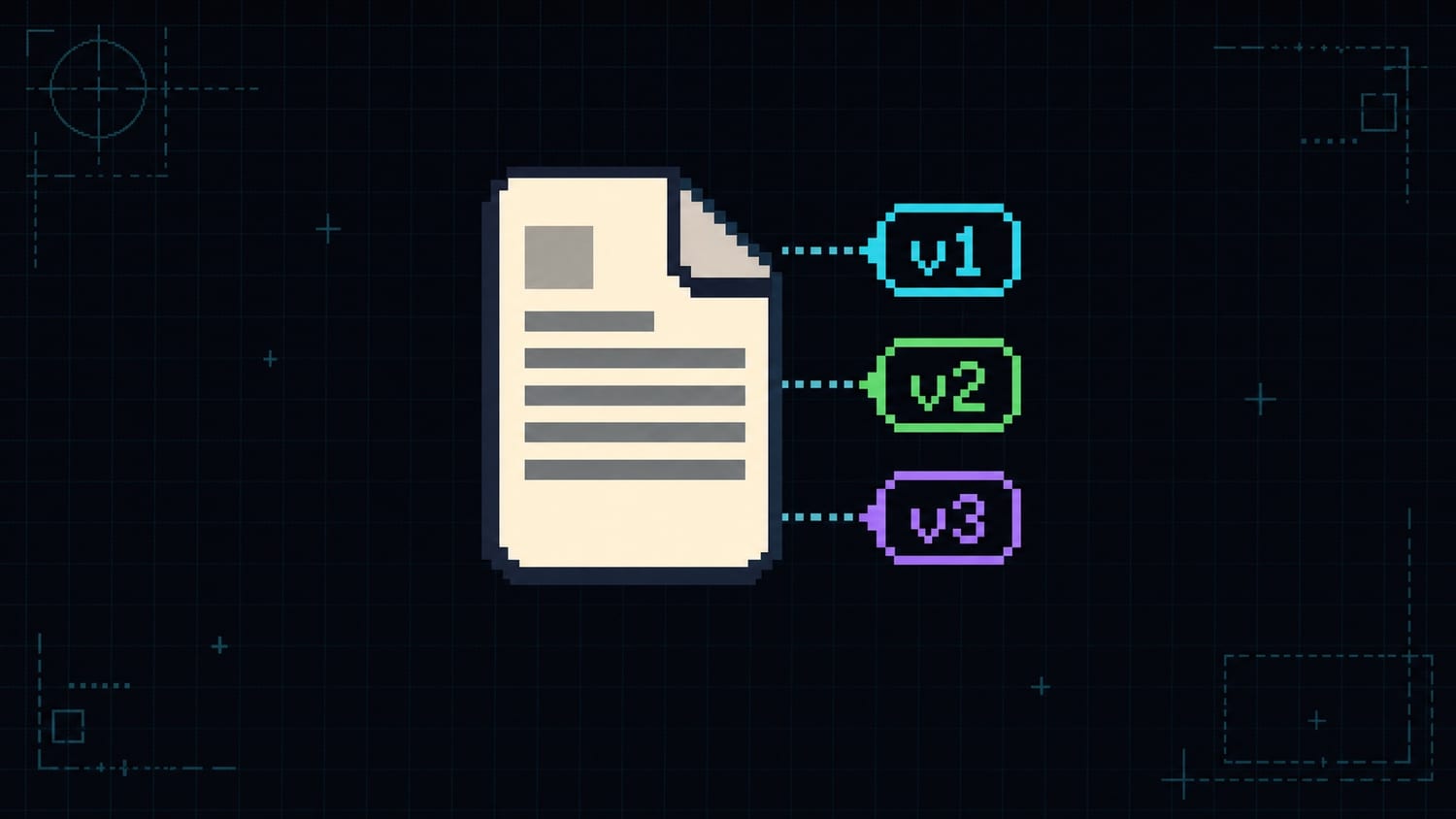
- Version your templates: When making significant changes, create a new template version in Transactional.dev rather than editing the existing one.
- Store the template version: Add the document ID to your audit log so you know exactly which template was used.
- Keep old templates: Do not delete templates that have generated production documents. Archive them instead.
For minor formatting changes (fixing a typo, adjusting spacing), updating in place is usually fine. For structural changes (new sections, different calculations), create a new version.
Common Mistakes
Storing only the PDF file: A PDF file without context is nearly useless for auditing. You need to know the inputs, not just the output.
Not indexing the audit table: Audit queries tend to filter by date, user, or document type. Without indexes, these queries get slow fast as the table grows.
Logging after delivery instead of after generation: Log the generation immediately. If email delivery fails, you still have a record that the document was created.
Assuming the PDF URL is permanent: Depending on your storage setup, PDF URLs might expire. Store the URL but also consider copying the PDF to your own long-term storage for compliance-critical documents.
Conclusion
Versioning and auditing PDFs is not about adding complexity. It is about having answers when questions come up. And in compliance-heavy industries, questions always come up.
The pattern is simple: store the template ID, variables, and timestamp for every generation. Use a dedicated wrapper function so nothing bypasses the audit trail.
Transactional.dev makes this natural because every generation is already a structured API call with a document ID and variables. You are halfway to a full audit trail just by using the API.
Get started with Transactional.dev and build document generation you can audit from day one.