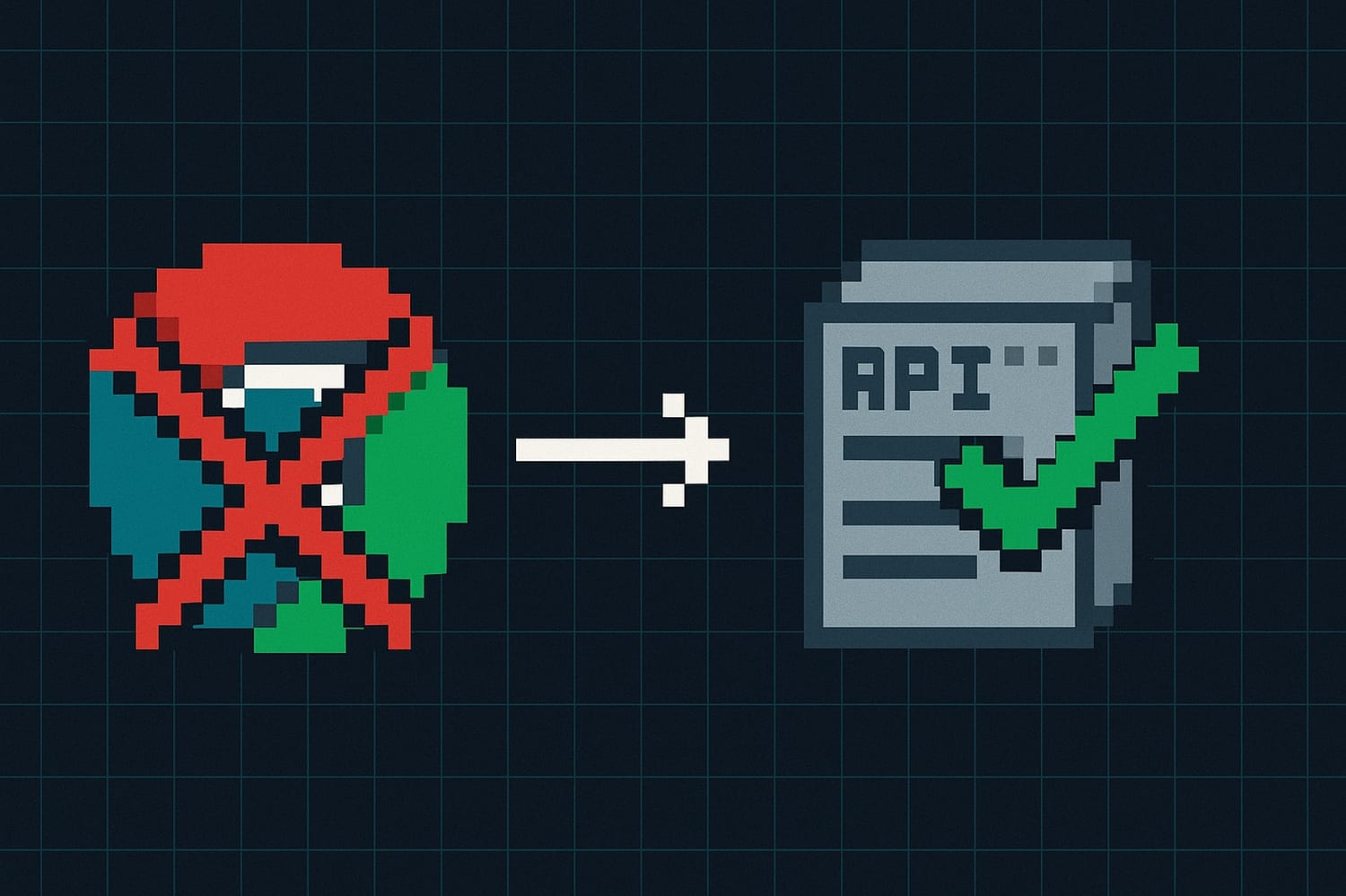

How to Replace Puppeteer with a PDF API (and Why You Should)
Puppeteer is great for browser automation. It's not great as PDF infrastructure. If you're running headless Chrome in production just to generate invoices or reports, you've probably already felt the pain. Here's how to migrate away from it.
The Puppeteer PDF setup you probably have
Most Puppeteer-based PDF flows look roughly like this:
const browser = await puppeteer.launch({
  headless: 'new',
  args: ['--no-sandbox', '--disable-setuid-sandbox', '--disable-dev-shm-usage']
});

const page = await browser.newPage();
await page.setContent(htmlString, { waitUntil: 'networkidle0' });
await page.pdf({
  path: 'invoice.pdf',
  format: 'A4',
  printBackground: true,
  margin: { top: '20mm', bottom: '20mm', left: '15mm', right: '15mm' }
});

await browser.close();
It works on your laptop. It ships to production. Then things start breaking.
Why Puppeteer becomes a liability
The code above is maybe 10 lines. The infrastructure around it is where the real cost hides.
Memory. Each Chromium instance eats 200-400MB of RAM. Generate a few PDFs concurrently and you're looking at OOM kills. You end up writing a queue, a pool manager, retry logic. That's not PDF generation anymore. That's distributed systems work.
Cold starts. Launching a browser takes 2-5 seconds. In a serverless environment, it's worse. Users click "Download Invoice" and stare at a spinner. You start pre-warming instances, which means paying for idle Chromium processes sitting in memory.
Chromium updates. Puppeteer pins a Chromium version. Every major update risks breaking your rendering. Fonts shift by a pixel. A CSS property behaves differently. Your carefully laid out invoice now has text overflowing into the footer. You only find out when a customer emails you a screenshot.
Fonts. Your local machine has every font installed. Your Docker container doesn't. You add fonts-liberation and fonts-noto to your Dockerfile, rebuild, and discover the Thai characters on one customer's invoice are still boxes. Google Fonts? You need network access from the container, plus waitUntil: 'networkidle0', which adds latency and introduces a new failure mode.
Timeouts. networkidle0 means "wait until there are no more than 0 network connections for 500ms." If an external stylesheet is slow, your PDF generation hangs. If it times out, you get a PDF with missing styles. Neither outcome is acceptable.
Docker image size. A Node.js image is ~150MB. Add Chromium and its dependencies, you're at 800MB-1.2GB. Your CI pipeline slows down. Your deployment artifacts bloat. Every lambda cold start gets worse.
This is the real cost: not the 10 lines of Puppeteer code, but the operational overhead that comes with running a browser engine as backend infrastructure.
What the replacement looks like
The core idea is simple: move the rendering engine out of your stack entirely. Instead of launching a browser, injecting HTML, and calling page.pdf(), you send your data to an API that returns a PDF.
With Transactional.dev, the flow is:
Create an HTML template with Handlebars variables (once)
Call the API with your data (every time you need a PDF)
The template lives in the dashboard. It uses HTML, Tailwind CSS, and Handlebars for dynamic content. Something like:
<div class="p-8 font-sans">
  <h1 class="text-2xl font-bold">Invoice #{{invoice_number}}</h1>
  <p class="text-gray-600">{{invoice_date}}</p>

  <div class="mt-4">
    <p>{{customer_name}}</p>
    <p>{{customer_address}}</p>
  </div>

  <table class="w-full mt-6">
    <thead>
      <tr class="border-b">
        <th class="text-left py-2">Item</th>
        <th class="text-right py-2">Qty</th>
        <th class="text-right py-2">Price</th>
      </tr>
    </thead>
    <tbody>
      {{#each line_items}}
      <tr class="border-b">
        <td class="py-2">{{this.description}}</td>
        <td class="text-right py-2">{{this.quantity}}</td>
        <td class="text-right py-2">{{this.price}}</td>
      </tr>
      {{/each}}
    </tbody>
  </table>

  <div class="mt-4 text-right">
    <p class="text-xl font-bold">Total: {{total}}</p>
  </div>
</div>
Then generating a PDF is one API call:
const response = await fetch('https://api.transactional.dev/v1/generate', {
  method: 'POST',
  headers: {
    'x-api-token': 'YOUR_API_KEY',
    'Content-Type': 'application/json'
  },
  body: JSON.stringify({
    document_id: 'invoice-template',
    variables: {
      invoice_number: 'INV-2024-0042',
      invoice_date: 'January 15, 2024',
      customer_name: 'Acme Corp',
      customer_address: '123 Main St, New York, NY',
      line_items: [
        { description: 'API Plan - Pro', quantity: 1, price: '$99.00' },
        { description: 'Extra bandwidth', quantity: 3, price: '$30.00' }
      ],
      total: '$129.00'
    }
  })
});

const { url } = await response.json();
// url is a signed CDN link to your PDF, ready to serve or store
No browser. No Chromium. No pool management. No font installation. No timeout tuning.
The before/after in your codebase
Here's what changes when you migrate.
Before (Puppeteer):
src/
  pdf/
    browser-pool.js        // Pool manager for Chromium instances
    pdf-generator.js       // HTML injection + page.pdf()
    template-renderer.js   // Handlebars/EJS compile step
    font-loader.js         // Font file management
    retry-handler.js       // OOM/timeout recovery
Dockerfile                 // +800MB for Chromium
docker-compose.yml         // Separate PDF service
k8s/pdf-worker.yaml        // Dedicated pods with high memory limits
After (API):
src/
  pdf/
    generate-pdf.js        // Single fetch() call
The pool manager, the retry logic, the font handling, the Dockerfile changes, the Kubernetes resource limits for the PDF worker pods: all of that goes away.
Migration steps
Step 1: Inventory your templates. List every place you generate a PDF. Most apps have 3-5: invoices, receipts, reports, contracts, maybe a packing slip. Each one becomes a template.
Step 2: Recreate templates in HTML/Tailwind. If you're already generating HTML and feeding it to Puppeteer, you're halfway there. Take that HTML, replace the dynamic parts with Handlebars variables ({{variable_name}}), and add Tailwind classes for styling. You can preview templates in the dashboard before going live.
Step 3: Map your data. For each template, identify the variables you need to pass. Your existing code already has this data. You're just sending it as JSON instead of injecting it into an HTML string.
Step 4: Replace the Puppeteer call. Swap page.pdf() for a fetch() to the API. Keep your existing error handling, but drop the Chromium-specific stuff: OOM recovery, browser restart logic.
Step 5: Remove infrastructure. Delete the Chromium Dockerfile, the browser pool, the font packages. Reduce memory limits on your pods. Remove the puppeteer dependency from package.json.
Handling conditional content
If your PDFs have conditional sections, Handlebars handles this natively:
{{#if discount}}
<tr>
  <td class="py-2 text-green-600">Discount</td>
  <td class="text-right py-2">-{{discount}}</td>
</tr>
{{/if}}

{{#if is_eu_customer}}
<p class="text-sm text-gray-500 mt-8">
  VAT Number: {{vat_number}}
</p>
{{/if}}
Same logic you'd write in your template renderer, just in the template itself.
What you won't be able to do
A PDF API isn't always the right fit. If you need to:
Screenshot arbitrary user-provided URLs (web archiving, OG image generation)
Automate browser interactions before capturing
Generate PDFs from pages that require JavaScript execution with complex client-side state
...then Puppeteer or Playwright is the right tool. Keep it for browser automation. Use an API for document generation.
For invoices, receipts, reports, contracts, certificates, and most other structured documents, an API is simpler, more reliable, and much cheaper to operate.
Common mistakes during migration
Don't try to replicate pixel-perfect existing layouts immediately. Get the data right first, then refine the design. Trying to make the API output match your Puppeteer output exactly on day one will slow you down.
Don't skip the preview step. The dashboard lets you render templates with sample data before you wire up the API. Use it. Catching a layout issue there is a lot faster than debugging it in production.
Don't hardcode variables in templates. Put everything dynamic in Handlebars variables, even things that feel static like company name or footer text. You'll thank yourself when a customer asks for a custom footer.
Wrapping up
Puppeteer is not PDF infrastructure. It's a browser automation tool that happens to have a page.pdf() method. The operational cost of running it for document generation is real: memory, cold starts, fonts, updates, 3am incidents.
If you want to avoid maintaining your own PDF rendering stack, Transactional.dev gives you a template-based PDF API that works like transactional email. You can start with the free tier and generate your first PDF from an HTML template in a few minutes.