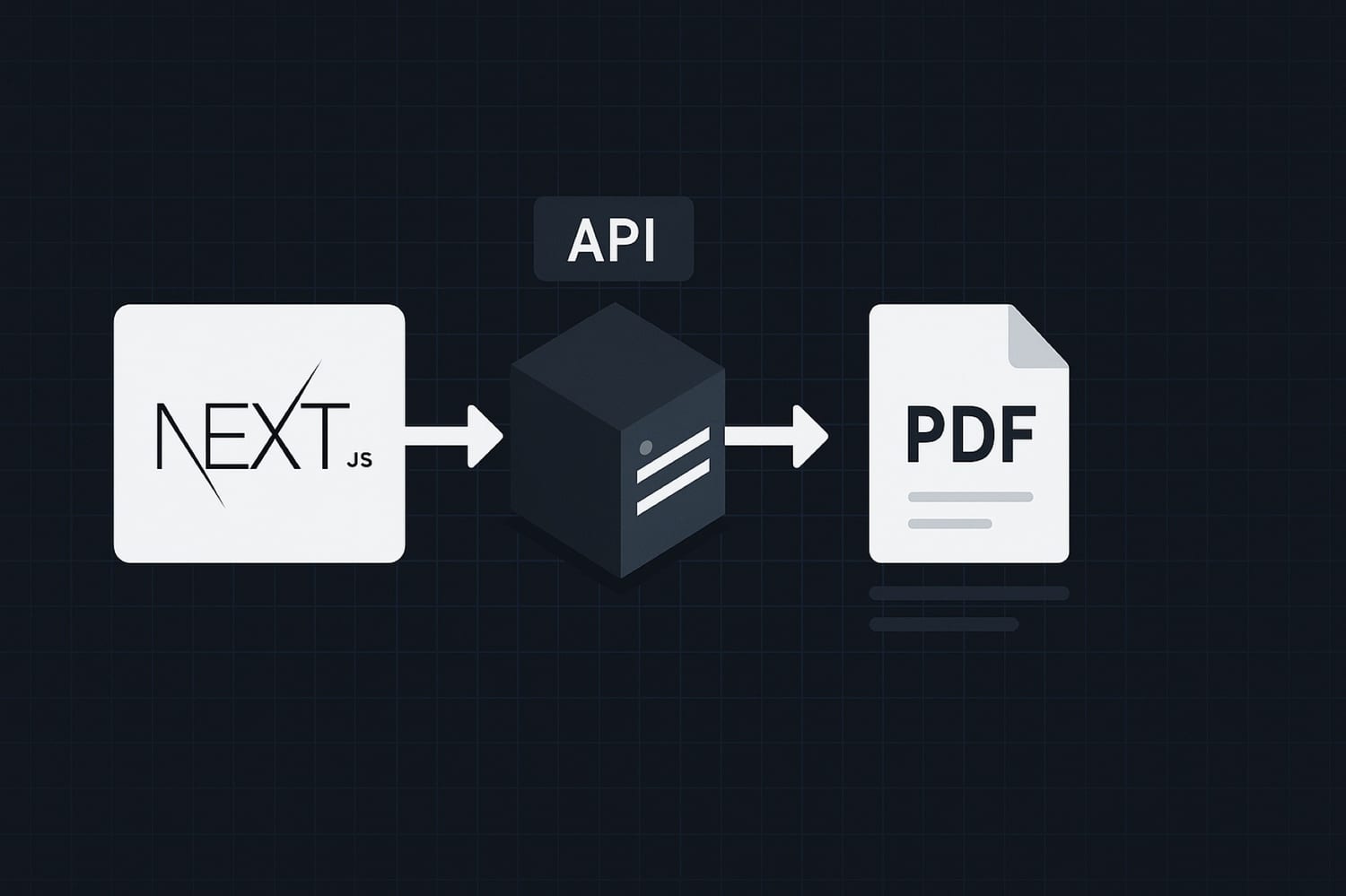

If you've tried to generate PDFs from a Next.js app, you've probably hit the same wall. react-pdf and @react-pdf/renderer work client-side only — the moment you try to render them in a Server Component or Server Action, you get cryptic document is not defined errors. jsPDF is the same story. And if you reach for Puppeteer, you'll quickly discover it doesn't run on Vercel's Edge Runtime, and packaging Chromium for serverless is a dependency nightmare that adds hundreds of megabytes to your bundle.
The right approach is different: keep PDF generation on the server side, but hand off the actual rendering to an external API. Your Next.js app stays lean, and PDF generation works correctly on both Edge and Node runtimes.
This tutorial shows three patterns for integrating a PDF generation API into a Next.js App Router app:
- A Route Handler that returns a PDF directly
- A Server Action for form-triggered generation
- Background generation for async workflows (reports, invoices)
Why Most PDF Libraries Break in Next.js
The App Router changed how code runs in Next.js. Server Components run exclusively on the server, and some routes can run on the Edge Runtime, which is a stripped-down V8 environment without Node.js APIs.
Here's how common PDF libraries fail:
react-pdf / @react-pdf/renderer
These use browser APIs (window, document, canvas) that don't exist on the server. Even with a dynamic import and ssr: false, they're painful to use outside of client components — and you cannot call them from Server Actions at all.
jsPDF
Client-side only. Same issue. You'd need to generate the PDF in the browser and then submit it somewhere, which is fragile and puts rendering logic on the client.
Puppeteer / playwright
These work in Node.js, but they require Chromium. That's a 300MB+ dependency, broken on most serverless hosts, and explicitly unsupported on Vercel's Edge Runtime. There are workarounds (Playwright-aws-lambda, chromium npm package) but they're fragile, expensive to cold-start, and painful to maintain.
The real problem: PDF rendering is a compute-heavy, browser-specific operation. It doesn't belong in your application server.
The Correct Approach: Route Handler or Server Action Calling a PDF API
Instead of bundling a renderer with your app, call a dedicated PDF generation API from your server. The API takes an HTML template plus variables, renders it server-side with a real browser, and returns a signed URL to the generated PDF.
This works on both Node.js and Edge runtimes, adds zero dependencies to your bundle, and keeps your app code clean.
The API used in this tutorial is Transactional.dev. You define reusable HTML templates with variables, then generate PDFs from them with a single POST request.
The generation endpoint:
POST https://api.transactional.dev/v1/generate
x-api-token: YOUR_API_TOKEN
Request body:
{
  "documentId": "your-document-uuid",
  "variables": {
    "customer": { "name": "Acme Corp" },
    "invoice": { "number": "INV-0042", "total": 1280.50 }
  }
}
Response:
{
  "url": "https://files.transactional.dev/client/.../invoice.pdf",
  "documentId": "your-document-uuid"
}
The URL is a signed, short-lived link. Download or persist it immediately if you need it long-term.
Pattern 1: Route Handler
A Route Handler is the most straightforward option when you want to expose a /api/generate-pdf endpoint that your client-side code can call.
// app/api/generate-pdf/route.ts
import { NextRequest, NextResponse } from "next/server";

const PDF_API_URL = "https://api.transactional.dev/v1/generate";
const DOCUMENT_ID = process.env.TRANSACTIONAL_DOCUMENT_ID!;
const API_TOKEN = process.env.TRANSACTIONAL_API_TOKEN!;

export async function POST(req: NextRequest) {
  const body = await req.json();
  const { customer, invoice, items } = body;

  const response = await fetch(PDF_API_URL, {
    method: "POST",
    headers: {
      "Content-Type": "application/json",
      "x-api-token": API_TOKEN,
    },
    body: JSON.stringify({
      documentId: DOCUMENT_ID,
      variables: { customer, invoice, items },
    }),
  });

  if (!response.ok) {
    const error = await response.json();
    return NextResponse.json(
      { error: error.code ?? "generation_failed" },
      { status: response.status }
    );
  }

  const { url } = await response.json();
  return NextResponse.json({ url });
}
Call it from your client component:
// In a Client Component
const handleDownload = async () => {
  const res = await fetch("/api/generate-pdf", {
    method: "POST",
    headers: { "Content-Type": "application/json" },
    body: JSON.stringify({
      customer: { name: order.customerName, email: order.email },
      invoice: { number: order.invoiceNumber, total: order.total },
      items: order.lineItems,
    }),
  });

  const { url } = await res.json();
  window.open(url, "_blank");
};
This pattern works on the Node.js runtime and is the easiest to debug. If you're on Vercel's default runtime, this just works.
Pattern 2: Server Action
Server Actions are useful when PDF generation is triggered by a form submission or an in-page action in a Server Component. The logic runs entirely on the server — no API route needed.
// app/invoices/actions.ts
"use server";

const PDF_API_URL = "https://api.transactional.dev/v1/generate";

export async function generateInvoicePDF(invoiceId: string) {
  // Fetch your data from the database
  const invoice = await db.invoice.findUnique({ where: { id: invoiceId } });
  if (!invoice) throw new Error("Invoice not found");

  const response = await fetch(PDF_API_URL, {
    method: "POST",
    headers: {
      "Content-Type": "application/json",
      "x-api-token": process.env.TRANSACTIONAL_API_TOKEN!,
    },
    body: JSON.stringify({
      documentId: process.env.TRANSACTIONAL_DOCUMENT_ID!,
      variables: {
        customer: {
          name: invoice.customerName,
          email: invoice.customerEmail,
        },
        invoice: {
          number: invoice.number,
          date: invoice.date,
          total: invoice.total,
        },
        items: invoice.lineItems,
      },
    }),
  });

  if (!response.ok) {
    throw new Error("PDF generation failed");
  }

  const { url } = await response.json();

  // Optionally save the URL to your database
  await db.invoice.update({
    where: { id: invoiceId },
    data: { pdfUrl: url },
  });

  return url;
}
Use it from a Server Component or Client Component:
// In a Server Component
import { generateInvoicePDF } from "./actions";

export default function InvoicePage({ params }: { params: { id: string } }) {
  return (
    <form
      action={async () => {
        "use server";
        const url = await generateInvoicePDF(params.id);
        // redirect or return URL
      }}
    >
      <button type="submit">Download PDF</button>
    </form>
  );
}
Server Actions also run in the Node.js runtime by default. If you're targeting the Edge Runtime, the fetch call to the PDF API works fine — just avoid Node.js-specific modules in the same file.
Pattern 3: Background Generation (Webhooks, Queues)
For reports or documents that take a moment to generate — or when you want to generate PDFs asynchronously after an event (Stripe payment, form submission, signup) — handle generation in a background job and store the resulting URL.
This pattern is common in SaaS apps where you generate an invoice after a subscription payment, or a certificate after a course completion.
// app/api/webhooks/stripe/route.ts
import { NextRequest, NextResponse } from "next/server";
import Stripe from "stripe";

const stripe = new Stripe(process.env.STRIPE_SECRET_KEY!);

export async function POST(req: NextRequest) {
  const sig = req.headers.get("stripe-signature")!;
  const body = await req.text();

  let event: Stripe.Event;
  try {
    event = stripe.webhooks.constructEvent(
      body,
      sig,
      process.env.STRIPE_WEBHOOK_SECRET!
    );
  } catch {
    return NextResponse.json({ error: "Invalid signature" }, { status: 400 });
  }

  if (event.type === "invoice.payment_succeeded") {
    const stripeInvoice = event.data.object as Stripe.Invoice;

    // Queue the PDF generation (don't block the webhook response)
    void generateAndStoreInvoicePDF(stripeInvoice);
  }

  return NextResponse.json({ received: true });
}

async function generateAndStoreInvoicePDF(stripeInvoice: Stripe.Invoice) {
  try {
    const response = await fetch("https://api.transactional.dev/v1/generate", {
      method: "POST",
      headers: {
        "Content-Type": "application/json",
        "x-api-token": process.env.TRANSACTIONAL_API_TOKEN!,
      },
      body: JSON.stringify({
        documentId: process.env.TRANSACTIONAL_DOCUMENT_ID!,
        variables: {
          customer: {
            name: stripeInvoice.customer_name,
            email: stripeInvoice.customer_email,
          },
          invoice: {
            number: stripeInvoice.number,
            amount: (stripeInvoice.amount_paid / 100).toFixed(2),
            date: new Date(stripeInvoice.created * 1000).toISOString(),
          },
        },
      }),
    });

    if (!response.ok) return;

    const { url } = await response.json();

    // Persist the PDF URL to your database
    await db.invoice.update({
      where: { stripeId: stripeInvoice.id },
      data: { pdfUrl: url },
    });
  } catch (err) {
    console.error("PDF generation failed:", err);
    // Add to retry queue if you need reliability guarantees
  }
}
For production use, replace the fire-and-forget pattern with a proper job queue (BullMQ, Inngest, Trigger.dev) so failed generations get retried automatically.
Environment Variables
Add these to your .env.local (and to your Vercel/deployment environment):
TRANSACTIONAL_API_TOKEN=tk_live_your_token_here
TRANSACTIONAL_DOCUMENT_ID=your-document-uuid-here
The documentId is the UUID shown in the Transactional.dev template editor. Never use the numeric post ID — the API requires the UUID format.
Common Mistakes
Using react-pdf in a Server Component
This will blow up at runtime. If you need client-side PDF previews, that's a separate concern from generation. Use @react-pdf/renderer for live previews, and a server-side API for the actual download.
Generating PDFs on the client and POSTing them Fragile, large payloads, and puts business logic in the browser. Generate server-side.
Blocking the response during async generation In webhook handlers and background jobs, generate the PDF asynchronously. Respond to the webhook immediately with a 200, then process. Blocking makes your webhook handler time out.
Forgetting the URL is short-lived The signed URL returned by the API has a limited lifetime. If users need to access the PDF later, persist the URL to your database immediately after generation — or generate a fresh URL on demand.
Hardcoding the document ID
Keep the documentId in an environment variable, not in source code. Template IDs change when you recreate a document, and you don't want a deploy to be required to update it.
Which Pattern Should You Use?
| Use case | Pattern |
|---|---|
| "Download PDF" button | Route Handler or Server Action |
| Form submission generating a document | Server Action |
| Post-payment invoice generation | Webhook + background |
| Scheduled report generation | Cron job + background |
| Real-time PDF preview | Client-side library (separate concern) |
For most Next.js apps, Pattern 1 (Route Handler) is the easiest starting point. You get a clean API endpoint, predictable behavior, and easy testing with curl or Postman. Migrate to Server Actions or background jobs when your data flow requires it.
Wrapping Up
PDF generation in Next.js has a clear solution once you stop trying to run a browser inside your app. Keep rendering off your server, call a dedicated API, and your code stays clean whether you're on the Edge Runtime, a Node.js Lambda, or a traditional server.
Transactional.dev gives you a template-based PDF API with Handlebars syntax, Tailwind CSS support, and an API that works identically across all Next.js runtimes. You can build your first template and generate a PDF in a few minutes on the free tier.
The three patterns above cover most Next.js PDF use cases. Pick the one that fits your architecture and ship it.